A Complete Guide to Samsung Galaxy Watch Face Gallery

Smartwatches have evolved beyond just tracking steps and delivering notifications. Today, they’re also an extension of personal style. For Samsung Galaxy Watch users, the Complete Guide to Samsung Galaxy Watch Face Gallery is the perfect place to start when looking to customize and personalize your wearable. Whether you prefer minimalist designs, detailed health dashboards, or bold and creative styles, the Watch Face Gallery offers a wide variety of options that can transform how your watch looks and feels.
What is the Galaxy Watch Face Gallery?
The Complete Guide to Samsung Galaxy Watch Face Gallery wouldn’t be complete without explaining what it actually is. The Watch Face Gallery is Samsung’s built-in feature that allows users to explore, select, and customize different watch faces directly from the Galaxy Wearable app or the watch itself. It’s not just a library, it’s a hub for personalization, designed to make your watch unique to you.
Why Customize Your Watch Face?
Your smartwatch is one of the most visible tech accessories you wear every day. By using the Complete Guide to Samsung Galaxy Watch Face Gallery, you can:
- Match your watch to your outfit or occasion.
- Focus on functionality by displaying only what matters most, like health metrics, time zones, or workout stats.
- Express creativity with animated, colorful, or themed watch faces.
- Enhance productivity with faces that showcase calendars, reminders, and quick access to apps.
How to Access the Watch Face Gallery
One of the main parts of the Complete Guide to Samsung Galaxy Watch Face Gallery is learning how to actually get to it. There are two primary ways:
On Your Watch:
Press and hold your current watch face.
Swipe left or right to see available faces.
Tap on “Customize” to adjust colors, layouts, and widgets.
On the Galaxy Wearable App:
Open the app on your smartphone.
Select “Watch Faces.”
Browse through the gallery, then tap on your favorite to sync it with your watch.
Popular Categories in the Watch Face Gallery
The Complete Guide to Samsung Galaxy Watch Face Gallery covers the wide variety of designs you can choose from. Here are some of the most popular categories you’ll encounter:
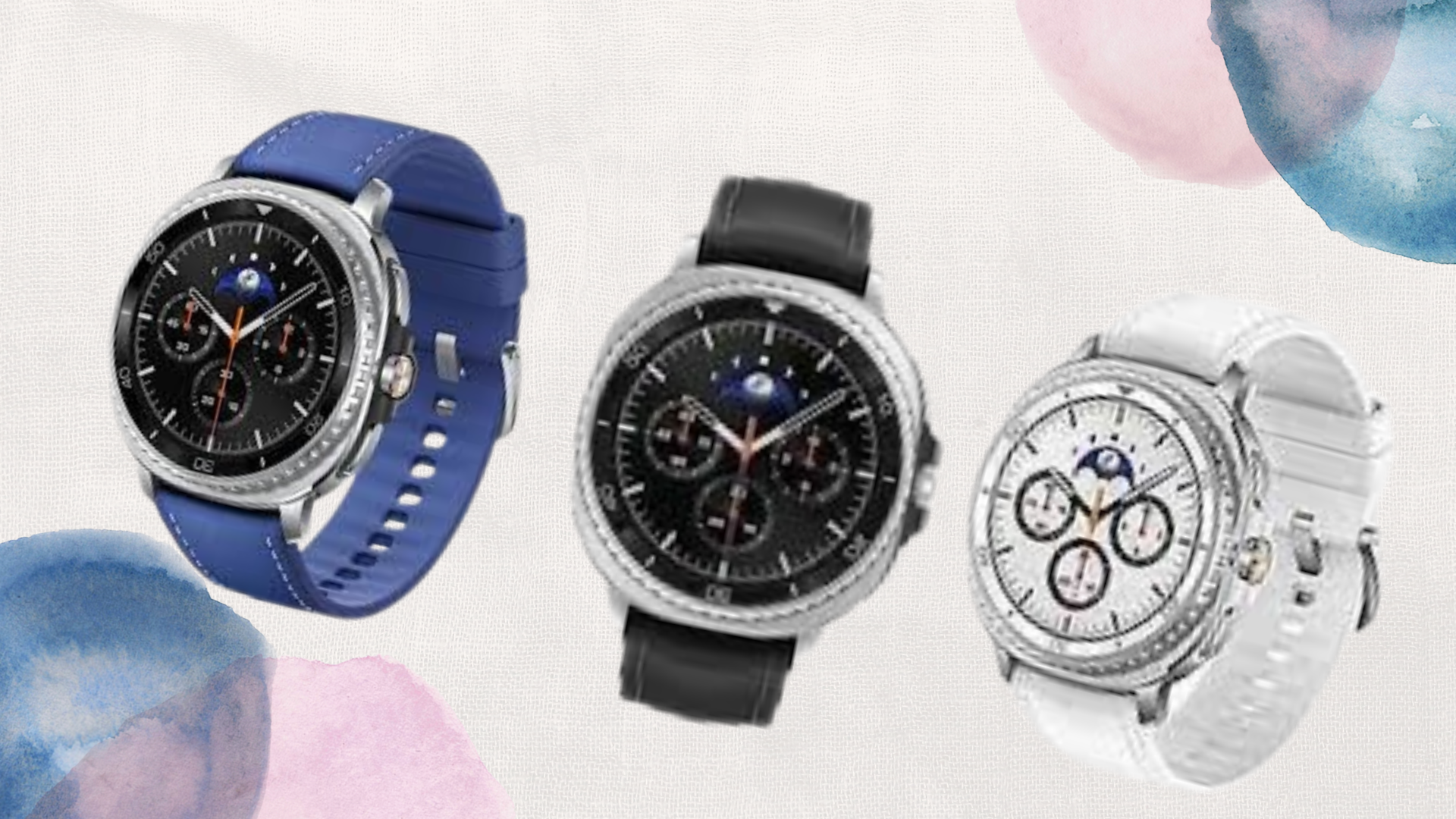
Classic & Minimalist: Simple faces with clean fonts and timeless designs.
Fitness & Health: Displays heart rate, steps, calories burned, and workout stats at a glance.
Digital & Modern: Futuristic layouts with bold fonts, perfect for tech lovers.
Analog & Hybrid: Combines traditional clock styles with digital enhancements.
Themed & Fun: Cartoonish, playful, or seasonal watch faces for extra personality.
Customization Options
The true magic of the Complete Guide to Samsung Galaxy Watch Face Gallery is personalization. Beyond just picking a design, you can tweak:
Colors: Adjust the background or accent shades.
Complications (Widgets): Add quick info like weather, battery percentage, or upcoming events.
Layout: Choose how information is arranged for easy readability.
Animations: Some watch faces feature smooth movements and dynamic effects.
Tips for Getting the Best Out of the Gallery
To wrap up the Complete Guide to Samsung Galaxy Watch Face Gallery, here are some tips to maximize your experience:
Switch watch faces depending on activity, use fitness designs during workouts and minimal designs for battery saving.
Try seasonal or themed faces to keep your watch fresh and fun.
Don’t overload your face with too many widgets; focus on what’s most important to you.
Regularly check the Galaxy Wearable app for new designs and updates.
Conclusion
The Complete Guide to Galaxy Watch Face Gallery shows how much personalization power you have at your fingertips. From classic looks to functional health dashboards and creative designs, the gallery lets you make your smartwatch truly yours. Customization isn’t just about style, it’s about making your watch fit your lifestyle, whether that’s productivity, fitness, or pure aesthetics.
So the next time you glance at your Galaxy Watch, remember that it’s more than a timepiece, it’s a canvas waiting to be customized.
When you purchase through links on our site, we may earn an affiliate commission which helps in keeping this website running. Here’s how it works.
Use the Code ref-09ngex to get 5% off from Samsung

About the Author: Ikhide Uanseoje
Welcome to SamUniverse! My name is Ikhide Uanseoje, the mind behind this website dedicated to everything Samsung. As a passionate tech enthusiast and lover, I specialize in delivering the latest news, in-depth reviews, and helpful guides about Samsung products, from smartphones and wearables to laptops and accessories.
Born and raised in Nigeria, I’ve always had a fascination with cutting-edge technology and how it shapes our lives. This passion led me to create SamUniverse, a platform where Samsung fans and tech lovers can explore innovations, tips, and updates that truly matter.
When I’m not writing, you’ll find me exploring new tech trends, brainstorming ideas for future posts, or working on ways to make this website your go-to resource for all things Samsung.
Stay tuned to SamUniverse as we uncover the best Samsung has to offer!