Everything About Galaxy AI: What You Need to Know

Artificial Intelligence is changing how we interact with technology, and we all know it’s not going away anytime soon. From image and video recognition, to language translation and even text generation and summaries, AI is going to be playing a big part in our lives.
That’s why even smartphone brands have now made they’re own AI, which will help ease their consumers task. And obviously, Samsung was one of the first Smartphone brands to come up with there own AI,and I dare say, one of the best AI on the market.
But what exactly is Galaxy AI and what features does it have to be good, well that’s what this article is about, so if you are interested, dive in.
What Is Galaxy AI?
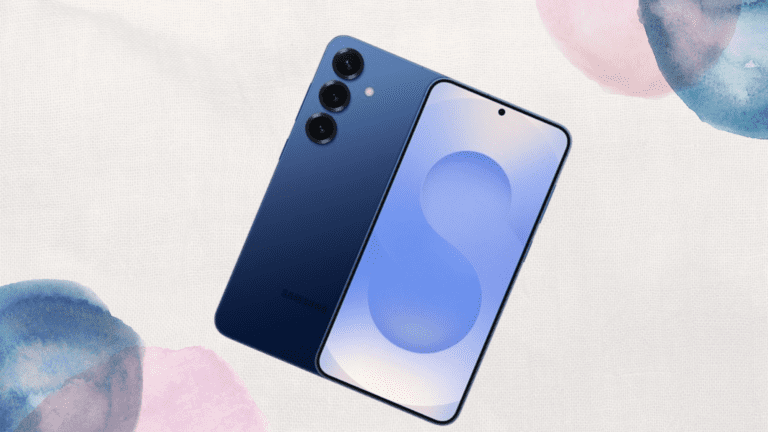
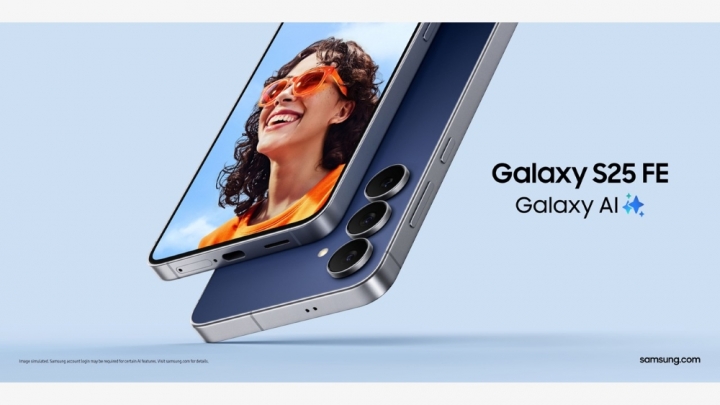
Galaxy AI is a system from Samsung that integrates artificial intelligence features across the Galaxy devices. It combines on-device processing with cloud-based AI to offer a variety of features designed to make your smartphone use smoother, more creative, and more efficient by automating tasks and offering some helpful suggestions.
The Galaxy AI made it’s debut January 2024 along with the Galaxy S24 Series. While Galaxy AI itself is not a Large Language Model (LLM), it uses LLMs for some of its features. Think of Galaxy AI as a toolbox and LLMs are the powerful tools within that box.
Samsung partnered with Google Cloud to leverage its Gemini LLMs (including Gemini Nano, Gemini Pro and Gemini Ultra) to run specific functions on the Galaxy devices.
Features Of Galaxy AI
The Galaxy AI brings many features and possibilities to our phone, making it easier to do things. Some of these features are:
Live Translate
Live translate is an AI tool on Samsung that changes words from one language to another as you speak. To use the live translation feature, the interpreter splits the screen with one side flipped, so your phone can translate for a person who speaks a different language.
Photo Assist
Photo Assist feature helps fix problems in your pictures, things like reflections and shadows. You can also change the position of objects in a photo or remove them as if they were never there.
Using the Photo Assist is straightforward. Once you’ve taken a photo with your Galaxy device, open it in the Gallery app. Photo Assist will then provide AI-generated suggestions that help you enhance your picture with just a few taps.
Using Photo Assist is straightforward. Once you’ve taken a photo with your Galaxy device, open it in the Gallery app. Photo Assist will then provide AI-generated suggestions that help you enhance your picture with just a few taps.
Note Assist
The Note Assist makes taking notes on your phone super easy and organised. It tidies up your notes by adding headings and lists, so they are neat and easy to read. It can also check for spelling and grammatical errors and even translate them into another language.
Chat Assist
Chat Assist help provides suggestions in just the right tone, whether you’re messaging a mate or writing a post on social media.
To use Chat Assist, you need to enable it in your settings. Once activated, it integrates seamlessly with the Samsung Keyboard, and you can access its functions directly from the keyboard’s menu bar when composing a message.
How To Use Galaxy AI On Your Samsung Device
The Galaxy AI works with little to no effort. Once you’ve taken a picture, go to gallery to edit it, whether to remove object or people, create a generative image, or remove shadow or reflections.
Another one is Galaxy AI’s Instant Slow-Mo, another great feature that I often use, this feature lets you press and hold any video you record to instantly slow it down by generating more frames.
Another good one, which have are coming up in other phones too, is the Circle To Search, all you have to do is long press the home button, then tap, circle, or scribble over anything on your screen to search Google for that image.
If you see a Galaxy AI button near the bottom of the screen, tap it to access special features like creating a custom wallpaper, reformatting notes, and summarizing web pages.
What phones have Galaxy AI?
Well the Galaxy AI was released last year, so only a good amount of laptop devices have them, which are:
- Galaxy S25 Series
- Galaxy S24 Series
- Galaxy S23 Series
- Galaxy Z Fold 7
- Galaxy Z Fold 6
- Galaxy Z Fold 5
- Galaxy Z Flip 7
- Galaxy Z Flip 6
- Galaxy Z Flip 5
- Galaxy Tab S9 series
- Galaxy Buds 2 and Buds 2 Pro
- Galaxy Buds FE
There are also some features like the circle to search which are available to Samsung midrange devices:
- Galaxy A56
- Galaxy A36
- Galaxy A55
- Galaxy A35
How much does Galaxy AI cost?
For now, all Galaxy AI features come at no cost, as long as you’ve got a compatible device to use them, you must also log in to your Samsung account to use some features. These features require more advanced AI processing capabilities that rely on Vertex AI on Google Cloud.
Ready to Experience What Galaxy AI Can Really Do?
It’s one thing to hear about AI. It’s another to actually experience it on your phone, in your home, and in your daily life. Samsung’s AI isn’t hype; it’s real, practical, and surprisingly useful. Whether it’s translating a conversation on the spot, enhancing your photos with smart edits, or making your home devices work together seamlessly, Samsung AI is built to make everyday tasks smarter and easier.
If you want to get ahead in the smart tech game, this is your moment. Your smarter future starts with a simple choice, explore Samsung AI today.
When you purchase through links on our site, we may earn an affiliate commission which helps in keeping this website running. Here’s how it works.
Use the Code ref-09ngex to get 5% off from Samsung

About the Author: Ikhide Uanseoje
Welcome to SamUniverse! My name is Ikhide Uanseoje, the mind behind this website dedicated to everything Samsung. As a passionate tech enthusiast and lover, I specialize in delivering the latest news, in-depth reviews, and helpful guides about Samsung products, from smartphones and wearables to laptops and accessories.
Born and raised in Nigeria, I’ve always had a fascination with cutting-edge technology and how it shapes our lives. This passion led me to create SamUniverse, a platform where Samsung fans and tech lovers can explore innovations, tips, and updates that truly matter.
When I’m not writing, you’ll find me exploring new tech trends, brainstorming ideas for future posts, or working on ways to make this website your go-to resource for all things Samsung.
Stay tuned to SamUniverse as we uncover the best Samsung has to offer!