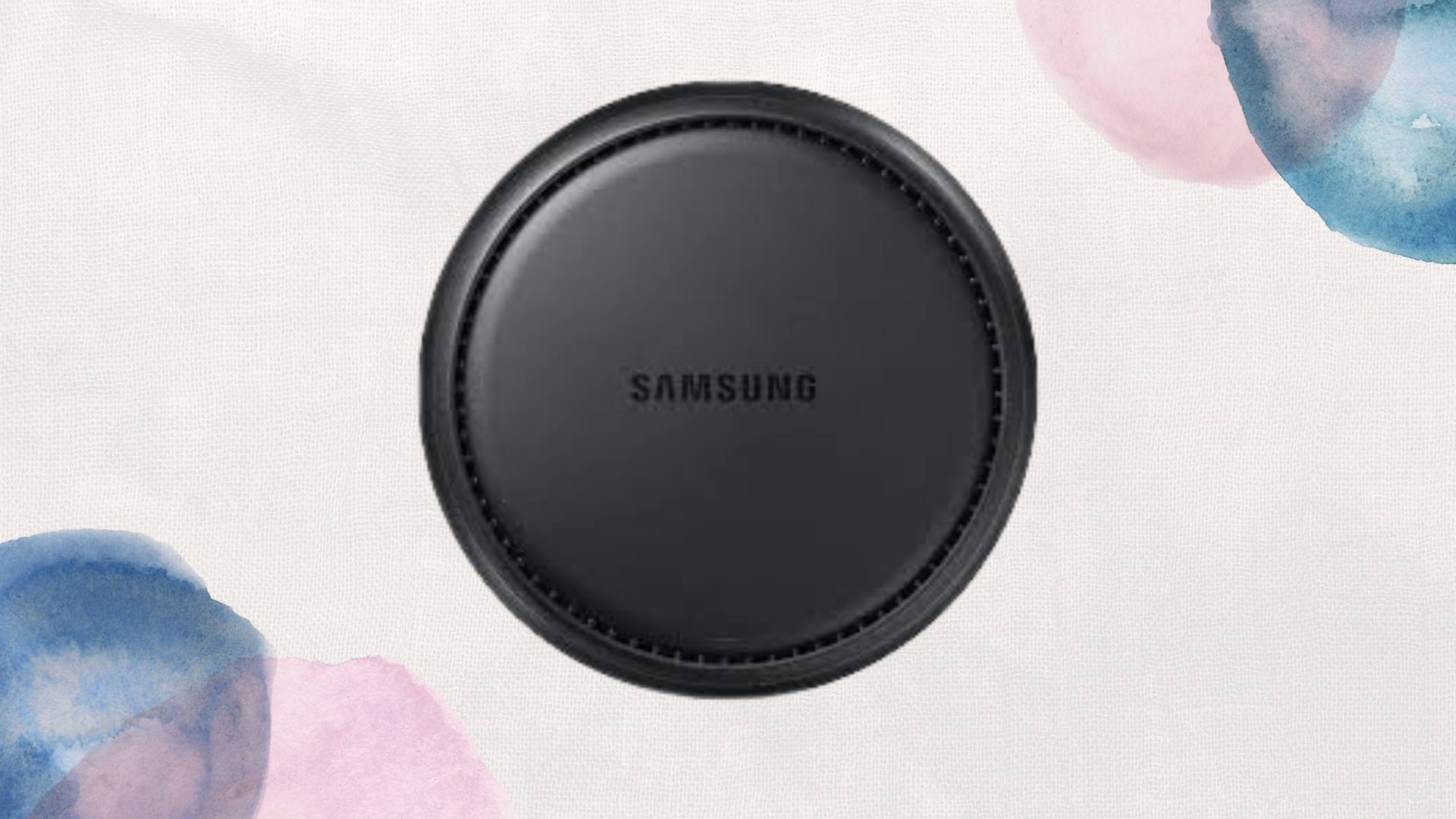
Samsung DeX vs Windows: Which Is Better for Productivity?

When you purchase through links on our site, we may earn an affiliate commission which helps in keeping this website running. Here’s how it works.
Use the Code ref-09ngex to get 5% off from Samsung
The Samsung DeX feature has grown from a novelty feature to a serious productivity tool. It allows Galaxy phones and tablets to connect to a monitor, keyboard, and mouse, giving a desktop-like experience without needing a full PC. But when you compare it to a traditional Windows PC, which is better for productivity? Let’s break it down.
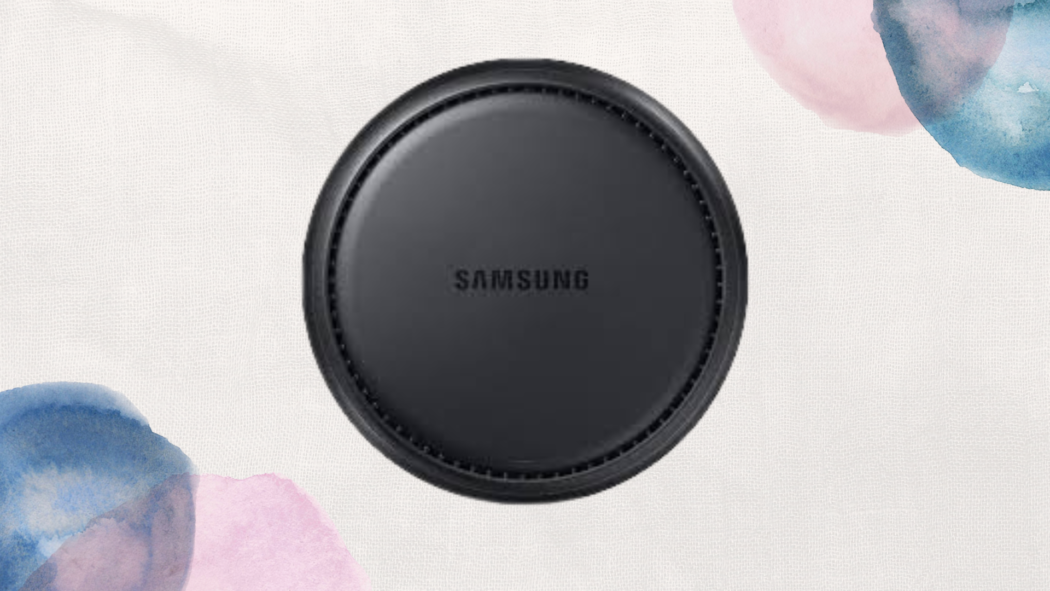
What Samsung DeX Offers
Samsung DeX turns your phone or tablet into a desktop environment. You can:
- Open multiple apps in resizable windows
- Use drag-and-drop between apps
- Access Office apps, web browsers, and cloud services
- Connect peripherals like a keyboard, mouse, and external display
DeX is portable, simple, and perfect for quick tasks like email, document editing, and light browsing. It works well for those who want a mobile-first productivity setup.
What Windows Offers
Windows PCs are the gold standard for productivity. Key advantages include:
- Full desktop software support (Adobe Suite, development tools, advanced Excel features, etc.)
- Better multitasking with multiple monitors
- Superior performance for demanding apps
- Full peripheral and driver support
For heavy work like programming, video editing, data analysis, or running multiple demanding apps simultaneously, Windows is far superior.
Advantages of Samsung DeX
- Portability: Your “desktop” travels with your phone.
- Cost-effective: No need to buy a full PC.
- Quick setup: Plug in a monitor or use wireless DeX.
- Seamless mobile integration: Access your phone apps directly on a big screen.
DeX is ideal for users who prioritize convenience, lightweight productivity, and mobility.
Advantages of Windows
- Full software compatibility: Run any professional tool without restrictions.
- Better multitasking: True desktop experience with multiple screens and apps.
- High performance: Handles demanding software effortlessly.
- Long-term scalability: Easy to upgrade hardware and peripherals.
Windows is suited for users who need maximum productivity, power, and flexibility.
Limitations of Samsung DeX
- Limited compatibility with certain professional apps
- Performance depends on the phone’s hardware
- Not ideal for high-end tasks like 4K video editing or CAD
- Requires peripherals for full desktop experience
Limitations of Windows
- Not portable in the same way a phone with DeX is
- More expensive setup (PC, monitor, peripherals)
- Setup time can be longer compared to plugging a phone into a monitor
FAQ
Can DeX replace Windows entirely for productivity? For basic office tasks, cloud work, and light editing, yes. But for professional-grade tasks, software development, or high-performance work, Windows is unmatched.
Conclusion
If I had to pick, I’ll choose Samsung DeX because it gives you portability, quick access, and light productivity on the go. It’s excellent for emails, browsing, and editing documents without carrying a laptop.
When you purchase through links on our site, we may earn an affiliate commission which helps in keeping this website running. Here’s how it works.
Use the Code ref-09ngex to get 5% off from Samsung