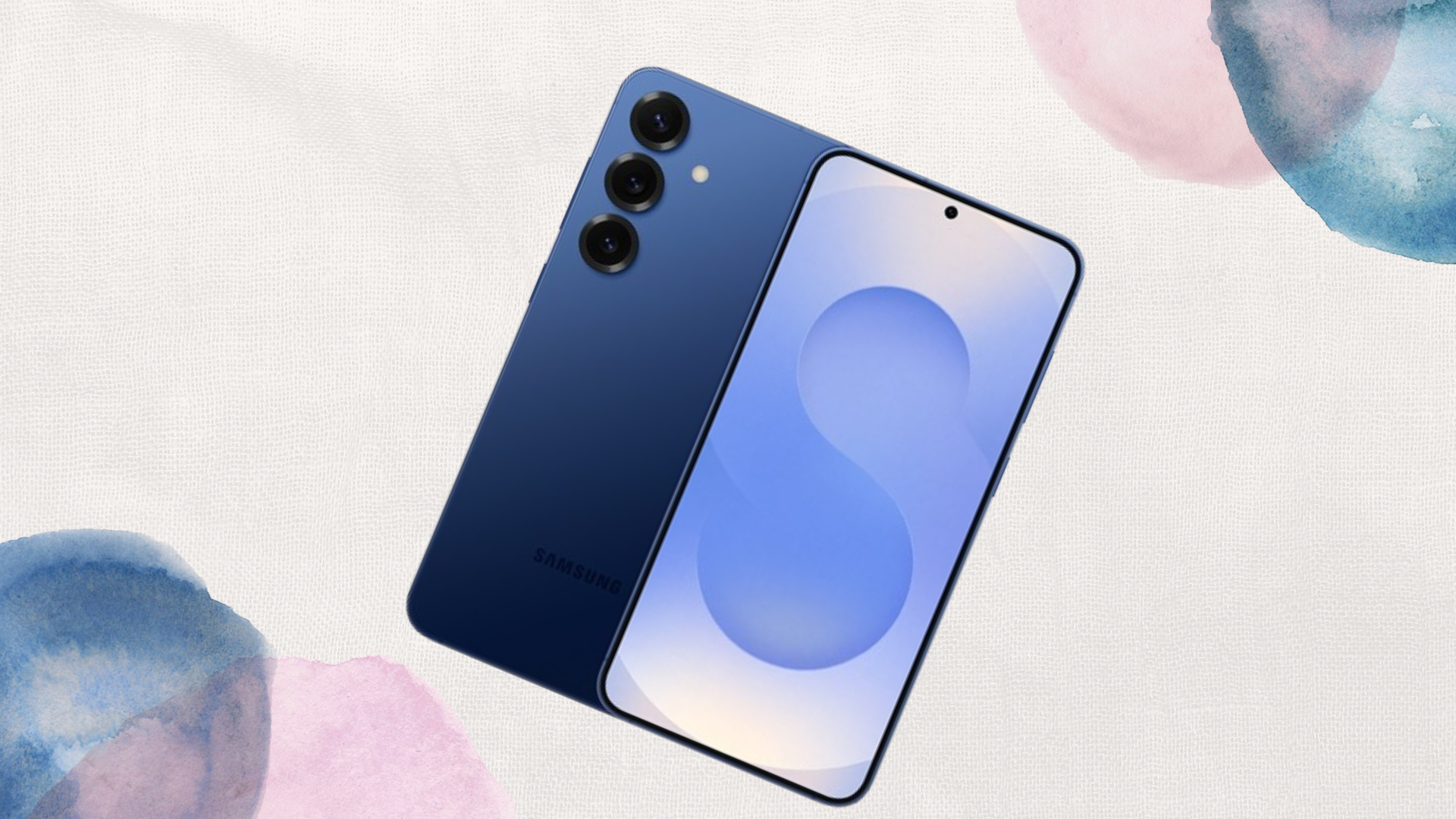
Samsung One UI Hidden Camera Features You Should Use

Samsung’s One UI is packed with intuitive features, but many of its camera capabilities remain hidden or underused. Whether you’re capturing daily moments, creating content, or experimenting with photography, knowing these hidden camera features can transform how you shoot and make the most of your Galaxy device.
Director’s View — Capture Multiple Angles Simultaneously
One of the standout hidden features is Director’s View, which lets you record using multiple cameras at the same time. You can switch between ultra-wide, wide, and telephoto lenses while recording, or even capture yourself and your surroundings simultaneously. This is perfect for content creators who want dynamic footage without complex editing.
It also gives you a real-time preview of all camera angles, so you can choose the best shots instantly. Most users miss this feature because it’s tucked behind the “More” menu in the camera app.
Single Take — Perfect for Spontaneous Moments
Single Take is a hidden gem for capturing spontaneous action. Instead of deciding whether to take a photo or video, Single Take lets your phone record a short sequence and automatically generates multiple photos, videos, and even Boomerangs from it.
This feature is especially useful when shooting children, pets, or fast-moving scenes. You get a variety of formats from one capture, ensuring you don’t miss the perfect moment, without having to manually switch modes mid-action.
Pro Video Mode — DSLR-Level Control
While most people stick to Auto mode, Pro Video Mode unlocks manual control over ISO, shutter speed, white balance, and focus. This feature is great for advanced users or content creators looking to achieve cinematic results.
Combined with stabilization, Pro Video Mode allows you to shoot smooth, professional-quality footage even in challenging lighting conditions. It’s a hidden tool because it’s buried in the “More” section of the camera app, but mastering it can drastically improve your videos.
AR Zone and AR Doodles — Add Fun and Creativity
Samsung’s AR Zone hides playful tools like AR Emoji, AR Doodles, and 3D objects that can be inserted into photos and videos. These features aren’t just fun, they’re also useful for creating engaging social media content or interactive stories.
AR Doodles allow you to draw in real space, so your annotations move naturally with your subject, making it a hidden yet powerful tool for creative content.
Night Hyperlapse — Capture the Night Like Never Before
Most users know Night Mode, but the Night Hyperlapse feature is less obvious. It allows you to shoot time-lapse videos in low-light environments while maintaining clarity and reducing noise.
Perfect for cityscapes, night skies, or creative long-exposure effects, Night Hyperlapse brings professional-grade techniques to your pocket without extra equipment. You can find it in the “More” camera modes, but many never explore it because it’s tucked away.
Zoom-In Mic — Focus on Audio and Subject Together
A subtle but useful feature is the Zoom-In Mic, which focuses the microphone on the subject you’re zooming in on. When recording videos, the audio changes dynamically depending on your zoom level, enhancing clarity and making your recordings sound more professional.
This is especially useful for interviews, vlogs, or any situation where ambient noise is distracting. Most users miss this because it’s an icon hidden in the top menu during video recording.
FAQ
Are these hidden features worth exploring for casual users?
Absolutely. Even if you don’t need professional-level results, features like Single Take, AR Doodles, and Director’s View make everyday photos and videos more creative and engaging. They can turn simple shots into memorable moments with minimal effort.
Conclusion
Samsung One UI’s camera app is more than just a point-and-shoot tool. Hidden features like Director’s View, Single Take, Pro Video Mode, Night Hyperlapse, AR Zone, and Zoom-In Mic unlock creativity and professional-quality results right from your Galaxy phone.
Exploring these features takes a few extra taps, but the payoff is significant—whether you’re creating content for social media, capturing life’s moments, or experimenting with photography techniques. Unlocking them can turn your Samsung phone into a powerful, versatile camera system you didn’t even know you had.
When you purchase through links on our site, we may earn an affiliate commission which helps in keeping this website running. Here’s how it works.
Use the Code ref-09ngex to get 5% off from Samsung

About the Author: Ikhide Uanseoje
Welcome to SamUniverse! My name is Ikhide Uanseoje, the mind behind this website dedicated to everything Samsung. As a passionate tech enthusiast and lover, I specialize in delivering the latest news, in-depth reviews, and helpful guides about Samsung products, from smartphones and wearables to laptops and accessories.
Born and raised in Nigeria, I’ve always had a fascination with cutting-edge technology and how it shapes our lives. This passion led me to create SamUniverse, a platform where Samsung fans and tech lovers can explore innovations, tips, and updates that truly matter.
When I’m not writing, you’ll find me exploring new tech trends, brainstorming ideas for future posts, or working on ways to make this website your go-to resource for all things Samsung.
Stay tuned to SamUniverse as we uncover the best Samsung has to offer!